

Getting started
Here are few important points related to backup and restore SQL Server Database:
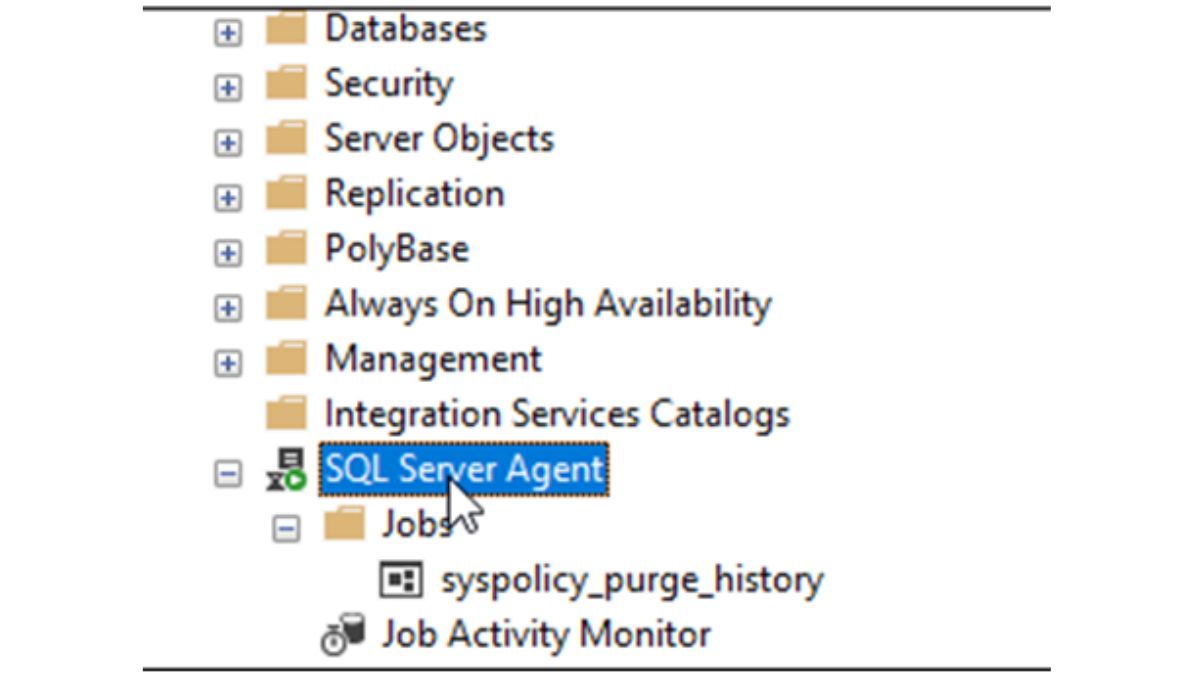
- Use the SQL Agent to automate backups
A good practice to back up a database is to do it automatically. We will usually automate the backup using the SQL Server Agent.
The SQL Server Agent is available in most of the SQL Server editions (Enterprise,
- Try to back up when there are not many users online
The best time to backup is at night when there are not many users online. Backup consumes many resources and it might be slower the performance when people is using it.
- Always test the backup
Once the backup is complete, restore your database with another name to verify that the backup is working fine. This practice will help you restore the database from the backup without any issue.
- If possible, try to automate restoration also
It is possible to automate the backup and restoration using the SQL Server Agent. You can use one step to backup and on success, you can try a restoration. Use another name of the database to restore in order to avoid problems with the database online. In general, use another machine to test the restoration if possible.
- Combine your backups types
Differential backups can save you a lot of space instead of many full backups. Especially, if not many changes were done in the database.
Also, you can backup per files or filegroups instead of full backups.
- Always keep your backups in a safe place
Do not ever store your backups in the same hard drive or server than the data files of your current database. Always keep the backups in another server and if possible, make sure that the other server is in another city, office or country. You never know if a natural disaster will occur. If possible try to store the backups in a safe place.
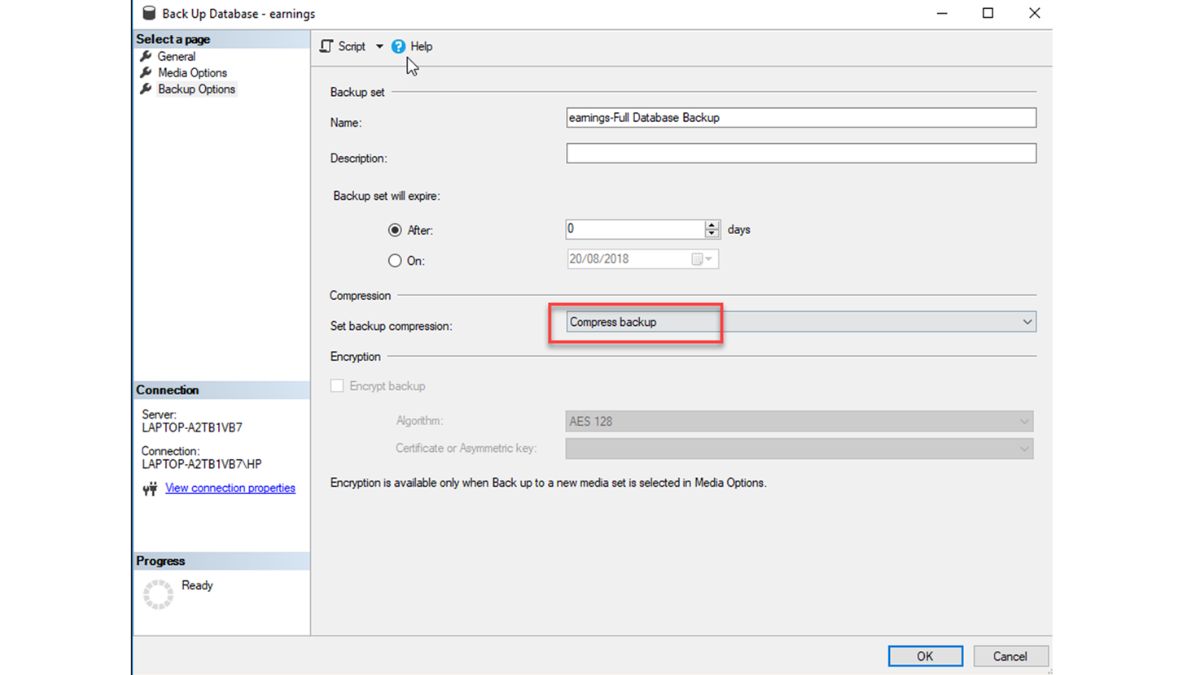
- Compress your backup
If possible, use the compress option to compress your backup. Not all the SQL Server editions support this feature, but if it supports, use it. It will save a lot of space:
- Try to encrypt your backups
In order to have security, you can use Transparent Data Encryption to secure your backups and store your data. This feature will avoid someone to get your data from your database.
Software Approach
- Use Stellar Repair for MS SQL to repair the database if it is corrupted.
If the database is corrupted and you cannot back up it, you can always choose professional SQL database recovery software like Stellar Repair for MS SQL. This software allows repairing corrupt databases. Once repaired, you can successfully create a backup.
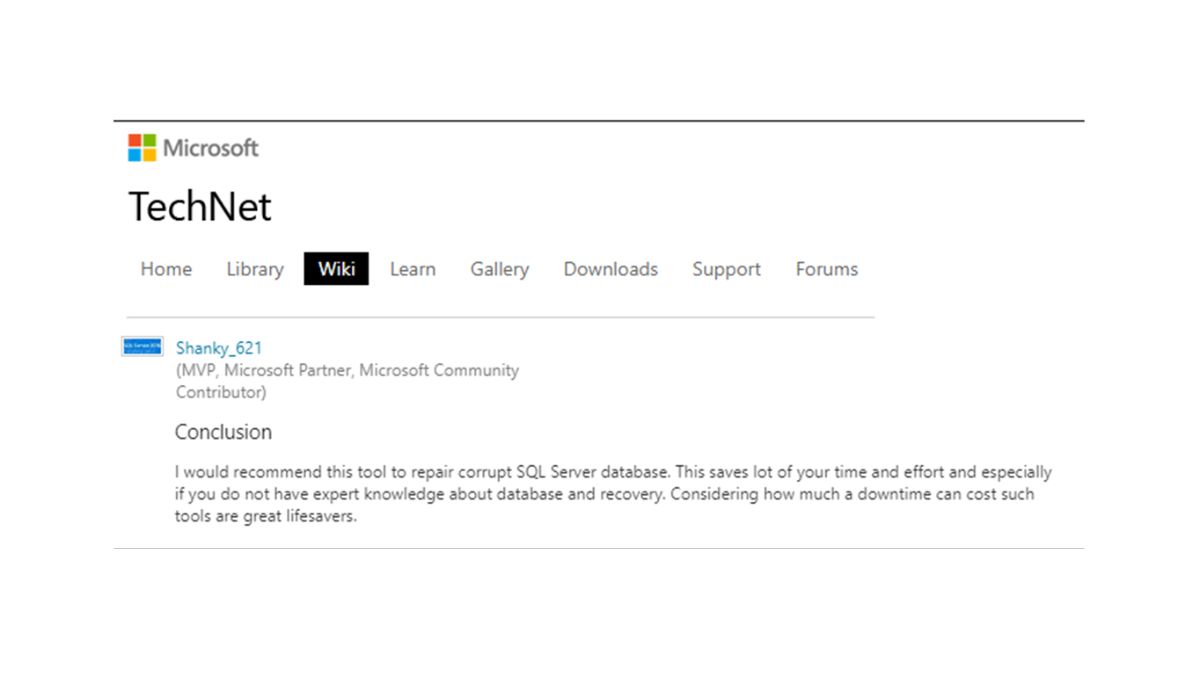
Microsoft Most Valuable Professional (MVP) Review:
Conclusion
In this article, we learned the best practices to back up and restore SQL databases. We learned how to backup, where to backup, increase security. If you have more questions, please contact us and we will gladly help you on this topic.